
Organise with categories and units
Group products and services into categories, and price them per hour, day, piece, kg or any unit you need.
Updated 12 November 2026 · View as Markdown
Products and services each have their own categories and units, and new businesses start with a set that suits their type: a rental business gets day, weekend and week; a contractor gets bag, sheet and m²; a consultant gets hour, half day and session.
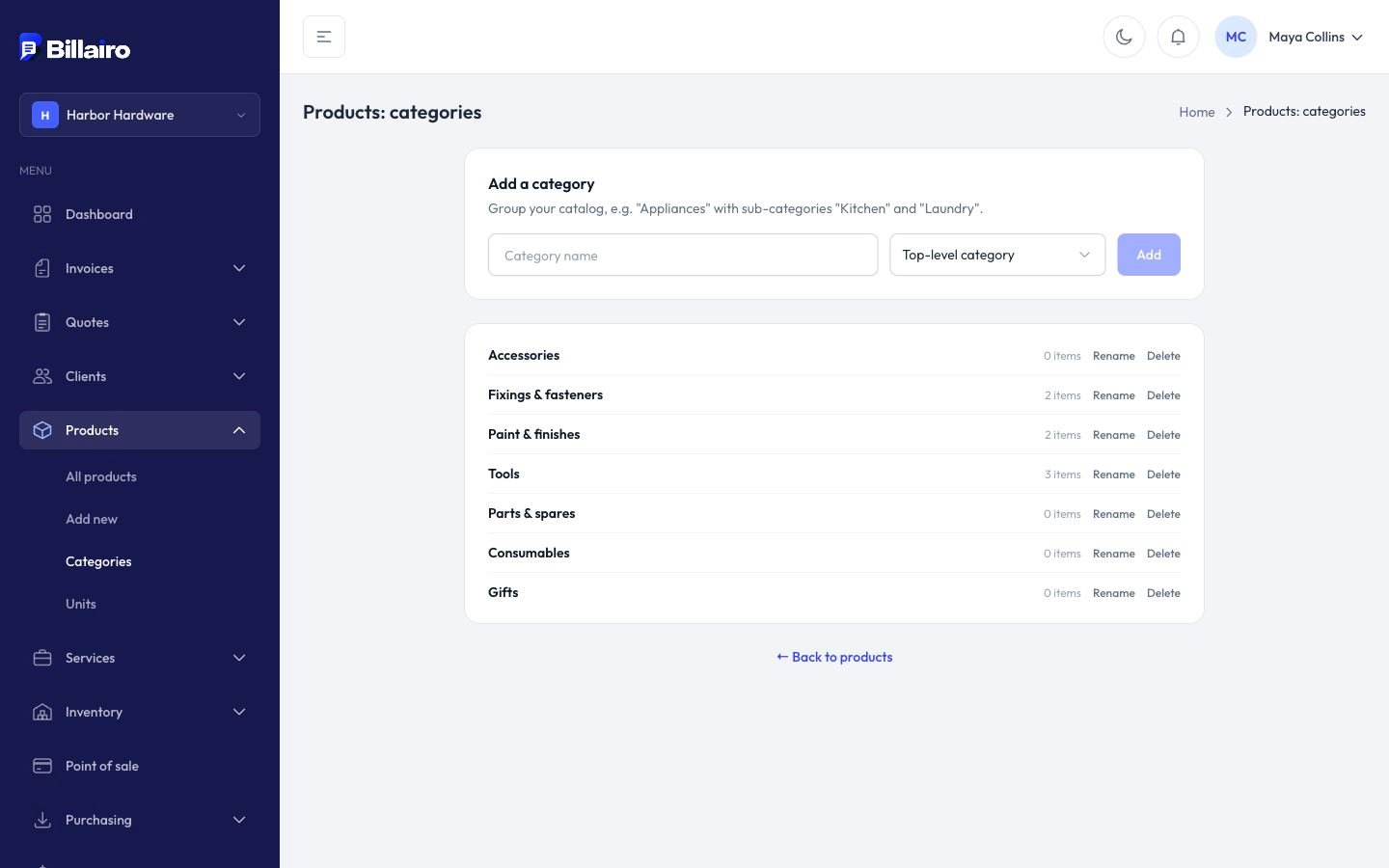
Categories
- Go to Products → Categories (or Services → Categories).
- Add a category, or a sub-category under one (two levels).
- Rename, reorder or delete them as you like. Deleting a category leaves its items uncategorised.
Units
- Go to Products → Units (or Services → Units).
- Add a unit with its singular and plural (bottle, bottles) and its kind: quantity, time, weight, length, area, volume or other.
Units print on invoices next to the quantity ("3 hours", "12 m²"), in your document language.