
Create your account and first business
Sign up, pick the kind of business you run, and get Billairo set up for the way you bill.
Updated 12 November 2026 · View as Markdown
Billairo sets itself up around the kind of business you run: a freelancer gets services and hourly units, a shop gets products, stock and a point of sale, a contractor gets labour and materials. It takes about a minute.
Sign up
- Go to billairo.com/register and sign up with your email, or with Google.
- Choose a plan. Free is free forever and needs no card; you can upgrade at any time.
Set up your business
After signing up you're asked three things:
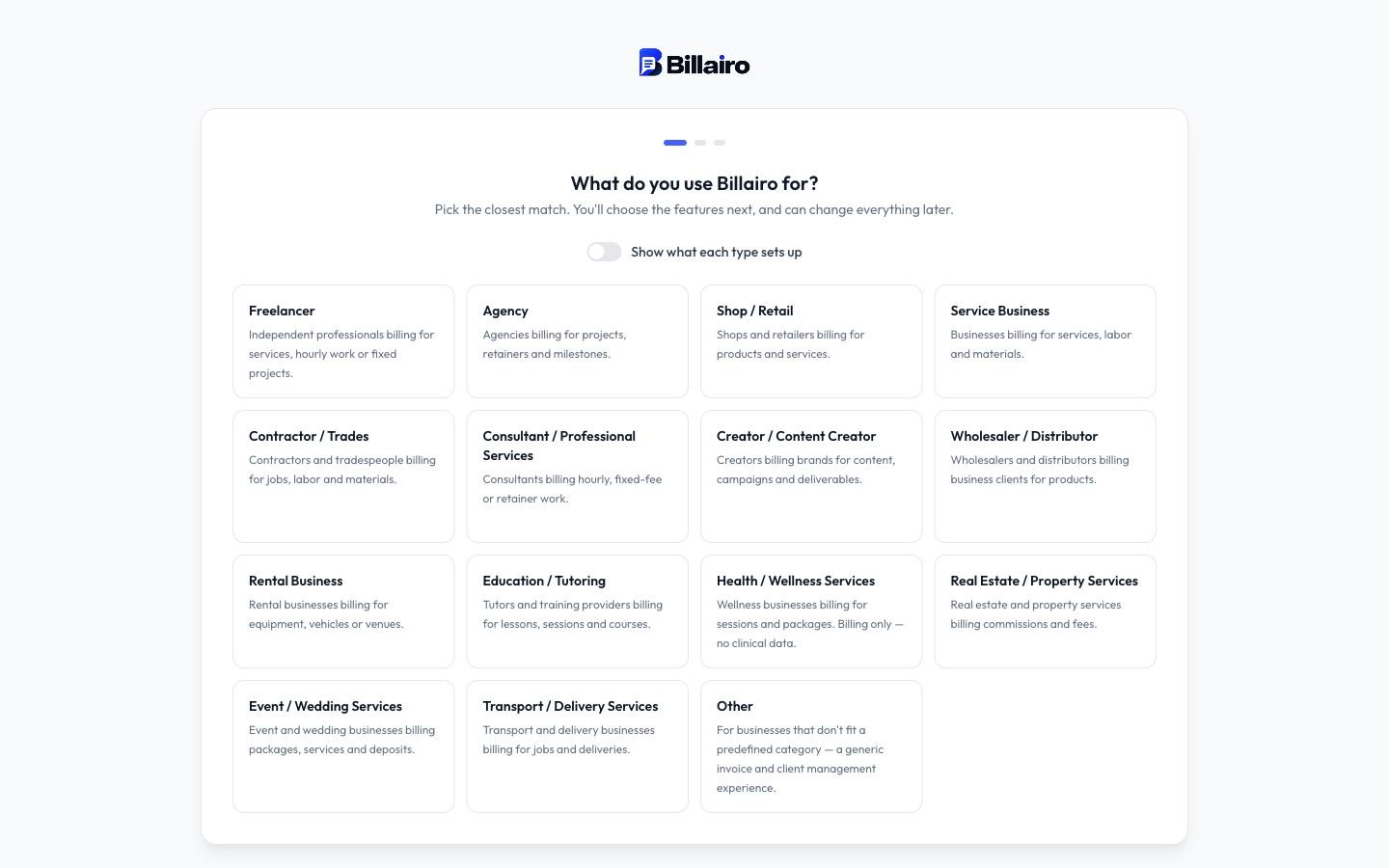
- What do you use Billairo for? Pick the closest match: freelancer, agency, shop, contractor, consultant, rental business and so on. This decides the units, starter categories and invoice fields you begin with. Open Show what each type sets up to compare them.
- Name your business. This name appears on your invoices and quotes; you can change it later.
- Set up your features. Choose the parts of Billairo you'll use (services, products, quotes, recurring invoices, expenses, stock…) and the currency you bill in.
Click Create business and you land on your dashboard.
Nothing here is final. Change features any time in Settings → Business → Features, and rename categories and units whenever you like.