
Delete a business
Permanently delete a business and everything in it: clients, invoices, items and settings.
Updated 12 November 2026 · View as Markdown
Only the owner can delete a business, and it can't be undone.
- Switch to the business you want to delete.
- Open Settings → Business and scroll to Delete this business.
- Click Delete business…, type the business name to confirm, and confirm.
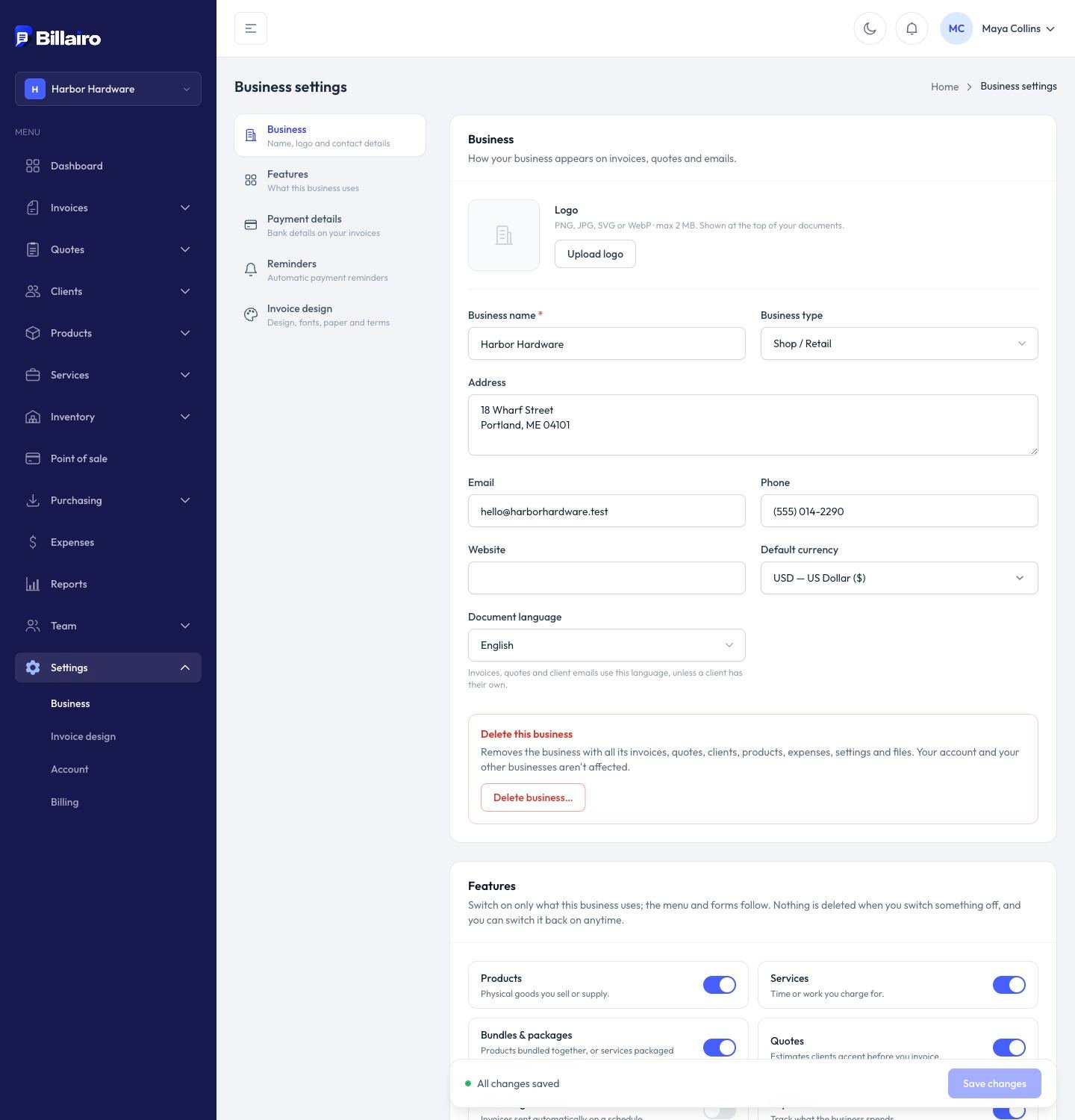
Everything in that business is deleted: clients, invoices, quotes, payments, items, stock, expenses, files and settings. Your other businesses and your account aren't affected.
Want a copy first? Export your clients and items as CSV, download your reports as PDF, and download any invoices you need.