
Import clients and items from a spreadsheet
Bring clients, products and services in from Excel, Google Sheets or another app with a CSV file.
Updated 12 November 2026 · View as Markdown
You can import clients (from the client list) and products and services (from your item lists).
Get your file ready
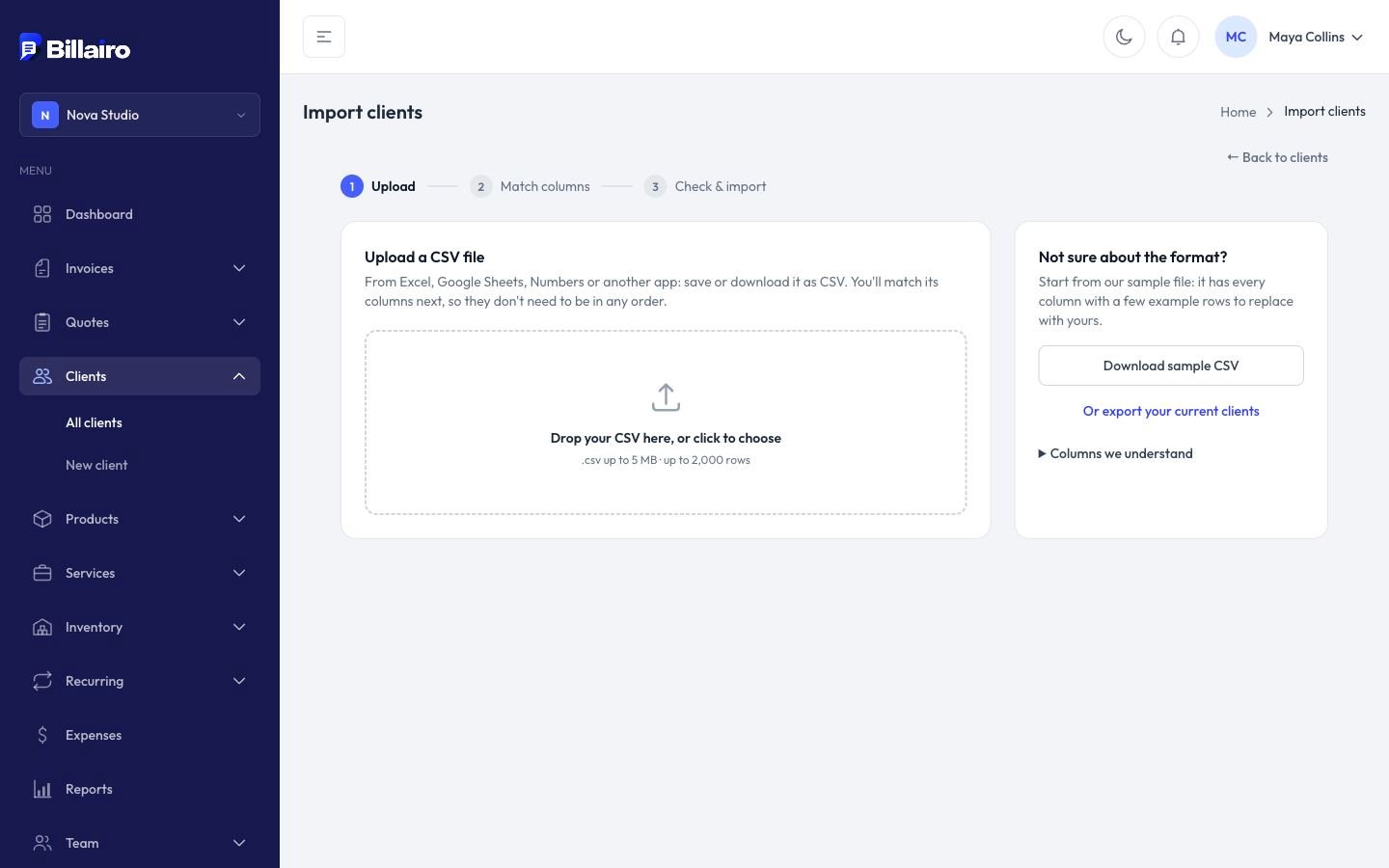
Save or download your spreadsheet as CSV (up to 5 MB and 2,000 rows). Not sure about the columns? Click Download sample CSV on the import page for a file to copy. You can also Export what's already in Billairo, edit it, and import it back.
Import
- On Clients (or your products or services list), click Import.
- Upload your CSV.
- Match columns: tell Billairo which column holds what. It guesses from your headings.
- Choose how to spot existing records (for example by email or SKU) and what to do when one already exists: leave it as it is or update it from the file. Updating only changes the columns you import; empty cells are left alone.
- Click Check rows to see what will be added, updated or skipped, and why.
- Click Import.
Skipped rows can be downloaded with the reasons, fixed and imported again.