
Run more than one business
Add another business, switch between them, and keep each one's clients, invoices and settings separate.
Updated 12 November 2026 · View as Markdown
Each business in Billairo has its own clients, items, invoices, numbering, design and settings. Growth includes 3 businesses and Pro is unlimited.
Add a business
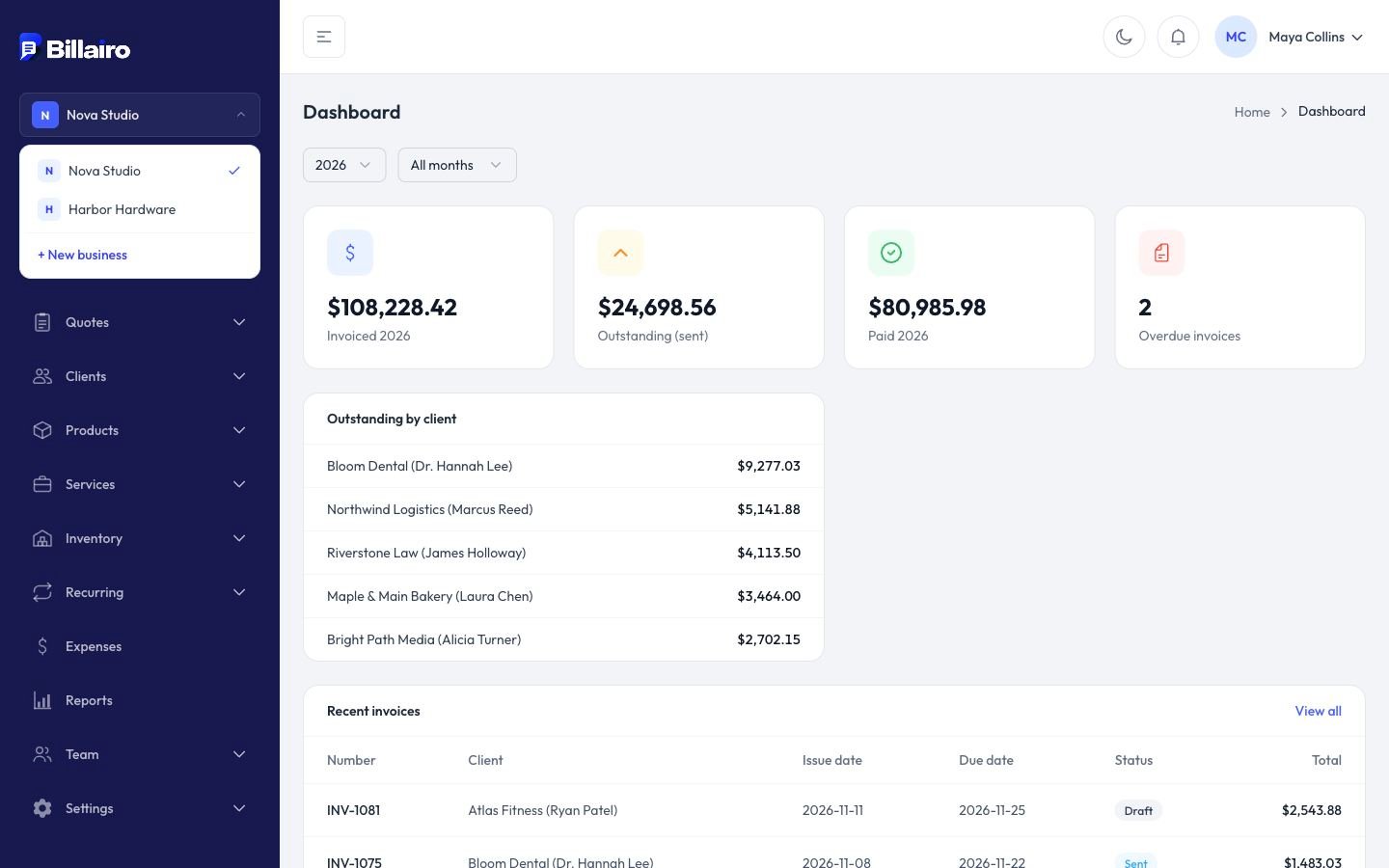
- Click the business name at the top of the sidebar.
- Choose + New business, and set it up like your first one: type, name and features.
Switch businesses
Click the business name at the top of the sidebar and pick another one. Everything you see, from the dashboard to reports, switches with it.
Links to a document in another business (from an email or notification) switch you to that business automatically.
When you move to a smaller plan
If you have more businesses than your new plan allows, you choose which ones stay active in Settings → Billing → Active businesses. The others are paused: you can still open and download everything in them, but not create or change anything until you upgrade or switch them back. See Change or cancel your plan.